Native secret stores
Passwords per profile
Store named secrets in macOS Keychain, a private file store, or GPG-backed pass. Reference named keys from a cluster login without putting passwords in its YAML.
Set up password storageClient context switcher
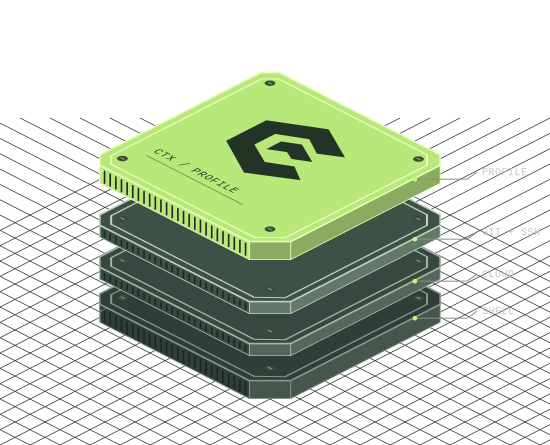
Enter a client folder with the right Git identity, SSH key, and cloud accounts. Use that same profile for scripts, passwords, and Kubernetes tools in your editor.
macOS / Linux / WSL2
Interactive example
You’re working on Acme when Orbit asks for a fix. Switch folders, then try a commit with the other client’s email. This example uses an installed Git guard.
Check your own identity$ cd ~/clients/acme
The sample repository is ready for a commit.
Workspace workflows
Start with a single GitHub SSH alias. Extend the profile when the client adds a workspace or cloud account.
ctx setup --scope clone
Clone through the client’s SSH alias and check the Git identity before a commit or push.
ctx guard check pre-commit
Carry the client’s AWS, Azure, Google Cloud and Kubernetes settings into the workspace.
ctx use acme
Give one process the client identity. Write the same instructions into the repository for the next agent.
ctx run -p acme -- gh auth status
See identities across clients, then test one profile’s SSH connection and GitHub account.
ctx dashboard
Export profile metadata, Git identities and SSH host configuration, then verify the imported setup.
ctx config export ~/ctx-migration
Compare the folder’s client with this terminal’s identity before you commit.
ctx explain
Review local cleanup, shared keys and access for the client administrator to revoke.
ctx offboard acme
Kubernetes operations · local MCP
Teach ctx the cluster names, namespaces, service aliases, and runbooks for one client. Ask your agent to trace a request, inspect a deployment, or propose a restart.
Read tools can investigate immediately. Change tools ask you to approve the profile, target, and command through your MCP client.
Configure the operations server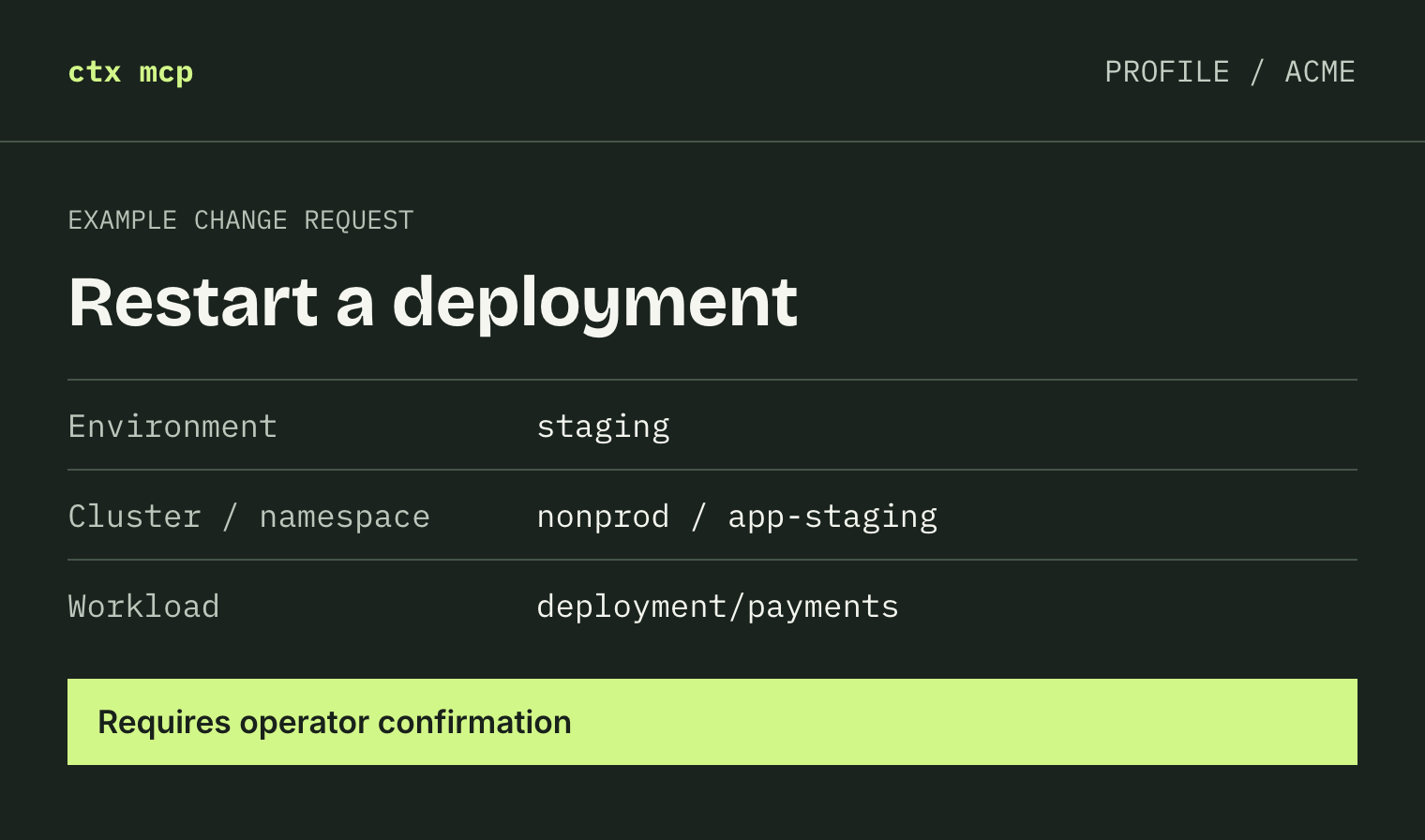
Native secret stores
Store named secrets in macOS Keychain, a private file store, or GPG-backed pass. Reference named keys from a cluster login without putting passwords in its YAML.
Set up password storageExternal integrations
Keep rotation and access policy in your team’s secret manager. Use Vault Agent or the 1Password CLI alongside ctx for process-level credential injection.
Compare the workflowsCloudflare · remote MCP
Connect any compatible HTTP MCP client to search and read the public ctx guides. No client workspace or cluster credentials are required.
Connect the documentation MCPDocumentation
From your first profile to a verified client connection.